Compare van insurance quotes
in ChatGPT with VanCompare.com
we’re now live

What you can do with the VanCompare.com ChatGPT app
- Get van insurance quote estimates based on the details you share
- Compare options side by side, including price and key details
- See customer ratings and review counts as part of the comparison
- Continue to vancompare.com to complete your quote




How it works
How it works
What you will see in the results
You will typically see a list of options with:
Estimates are based on the details you share, and can change as you add more information.


What happens when you continue to Vancompare.com
If you see an option you like, you can continue
to vancompare.com to complete your quote. Your information carries through, so you can pick up
where you left off.
Final prices and terms are
confirmed during the insurer or broker validation
and underwriting stage on the website.
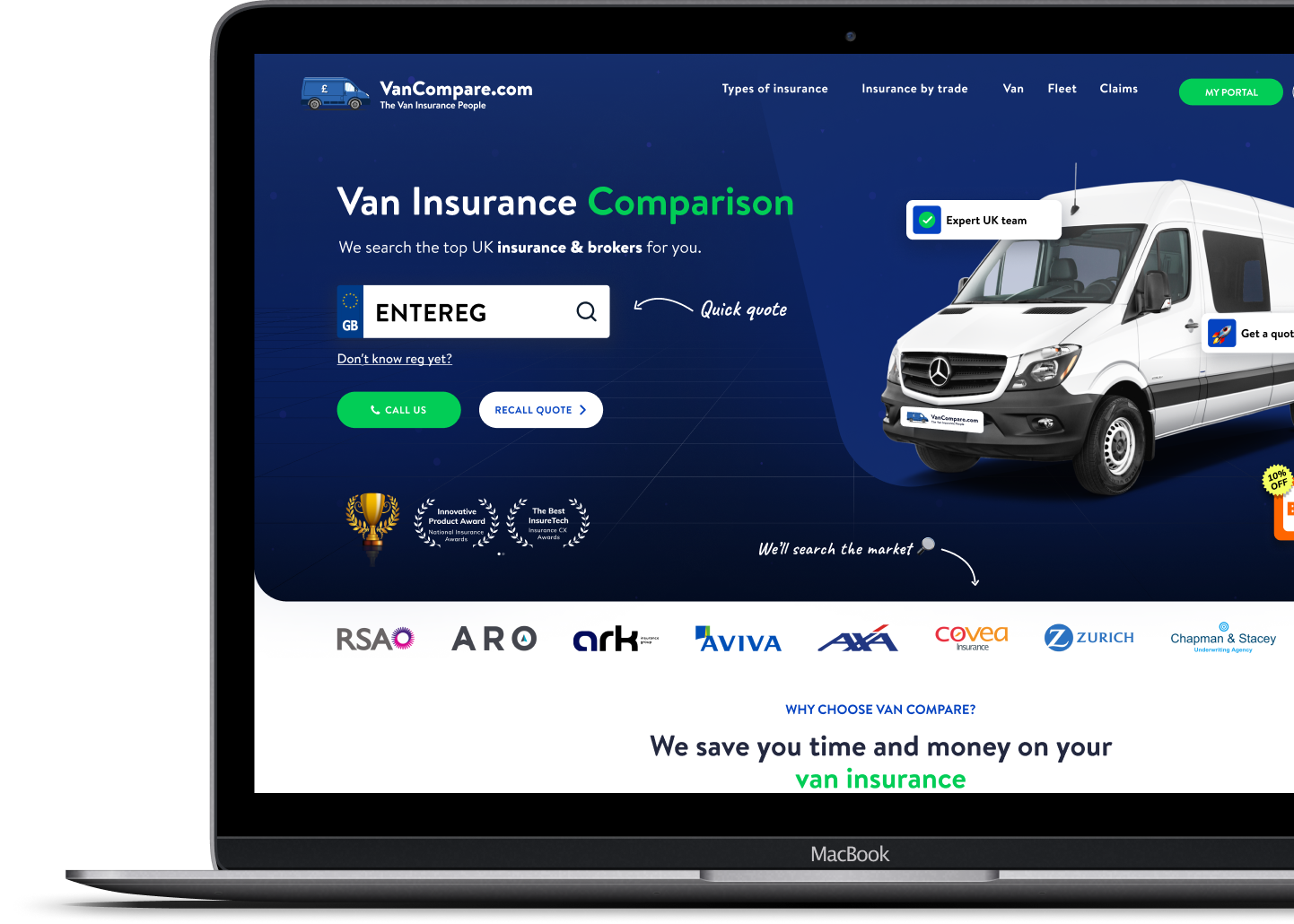
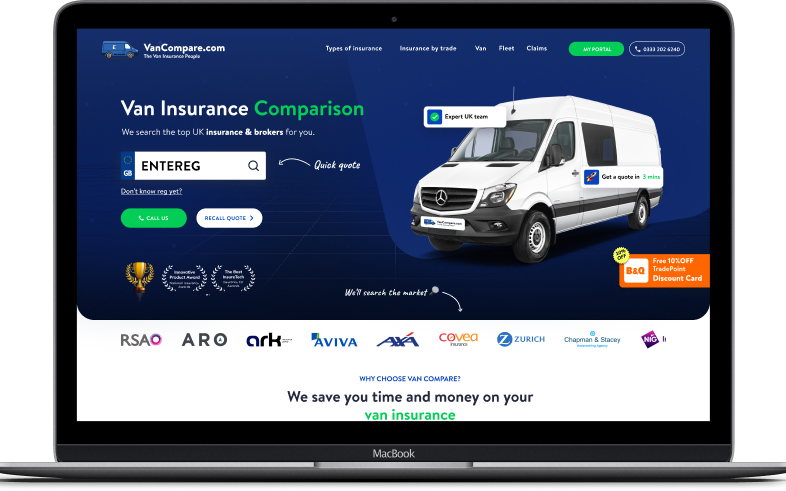
If you would prefer to begin a quote on our website, you can start here: https://www.vancompare.com/
How VanCompare.com personalises quote estimate
Van insurance pricing depends on your details.
The app may ask about things like:

Your postcode and where the van is kept overnight

Your van details and how it is used (including work use)

Who drives it and how often

Claims, convictions, and past cancellations

Modifications and security
No results in chat
If we cannot show an estimate from our standard panel based on the details provided, contact our team and we will help point you in the right direction.


FAQs
1. Can I buy van insurance inside ChatGPT?
The VanCompare.com ChatGPT app helps you get quote estimates and compare options. When you are ready to continue, you will complete your quote on vancompare.com.
2. Are these final quotes?
No. These are quote estimates based on the information shared in chat. Final prices and terms are confirmed when you complete your quote on vancompare.com.
3. Can I compare multiple providers at once?
Yes. The app is designed to show multiple options so you can compare side by side.
4. Where do the reviews come from?
We show customer review information to help you compare providers and make a more informed choice.
5. How does VanCompare.com store my data?
The VanCompare.com ChatGPT app does not store the information you provide unless you go on to complete your quote through our website. For users who do continue on vancompare.com, we collect only the information needed to produce insurance quotes, and we never sell or share your information with third parties.

From our leadership
Most people are not trying to become insurance experts. They just want clear options and a fair way to compare prices and key details. Our aim is to make the journey simple to follow, so you can make a confident choice and feel good about the value you are getting.